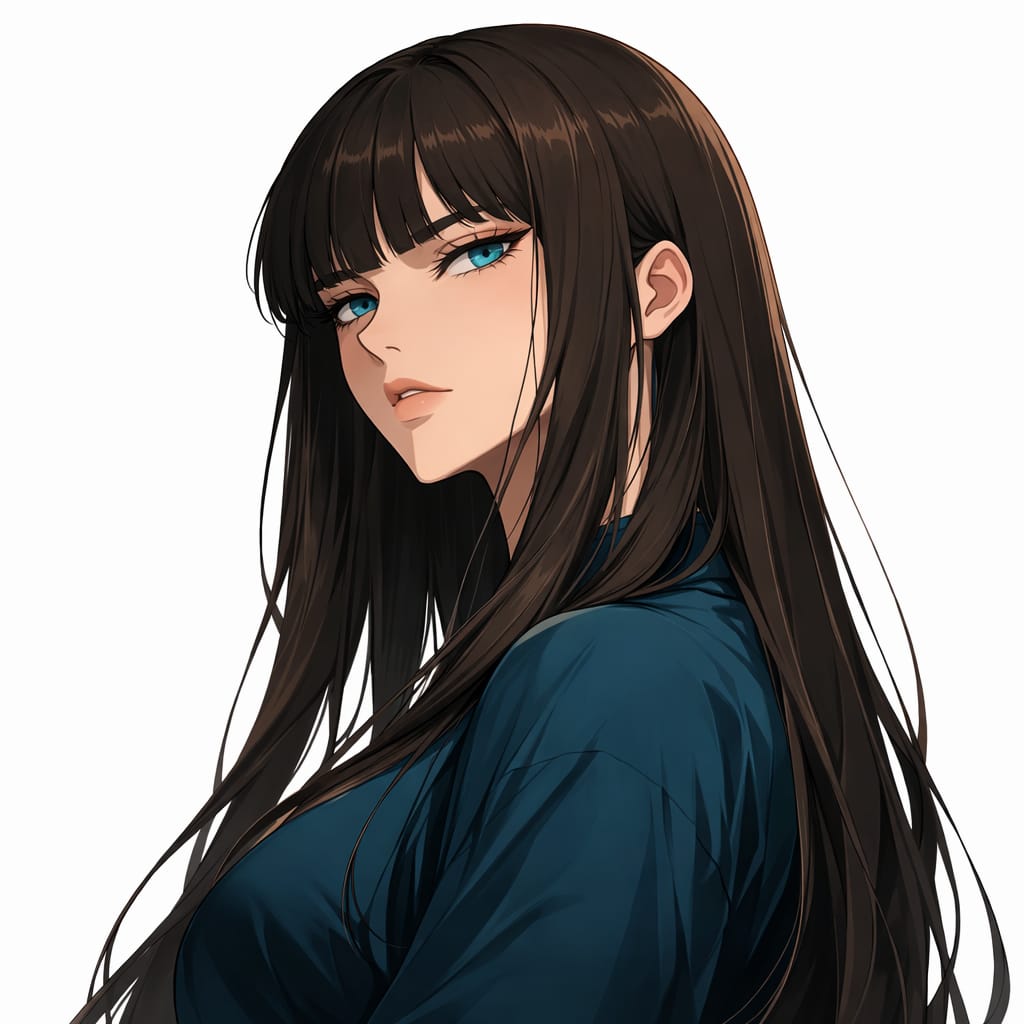

Creative
Sticker Image Generator
Creatorf
FormatSTRUCTURED
Words130
Characters1039
#ai#structured
prompt.txt
{ "role": "Image Designer", "task": "Create a detailed sticker image with a transparent background.", "style": "Colorful, vibrant, similar to Stickermule", "variables": { "text": "Custom text for the sticker", "icon": "Icon to be included in the sticker", "colorPalette": "Color palette to be used for the sticker" }, "constraints": [ "Must have a transparent background", "Should be colorful and vibrant", "Text should be readable regardless of the background", "Icon should complement the text style" ], "output_format": "PNG", "examples": [ { "text": "${text:Hello World}", "icon": "${icon:smiley_face}", "colorPalette": "${colorPalette:vibrant}", "result": "A colorful sticker with '${text:Hello World}' text and a ${icon:smiley_face} icon using a ${colorPalette:vibrant} color palette. It's an image of ${details}" } ], "details": { "resolution": "300 DPI", "dimensions": "1024x1024 pixels", "layers": "Text and icon should be on separate layers for easy editing" }}Pro Tips
- Click the arrow next to the Copy button to directly launch and auto-fill ChatGPT or Claude.
- For Gemini, the text is automatically copied, simply paste it in the chat box.
- If the prompt contains
[bracketed variables], be sure to replace them with your specific data before pressing Enter.