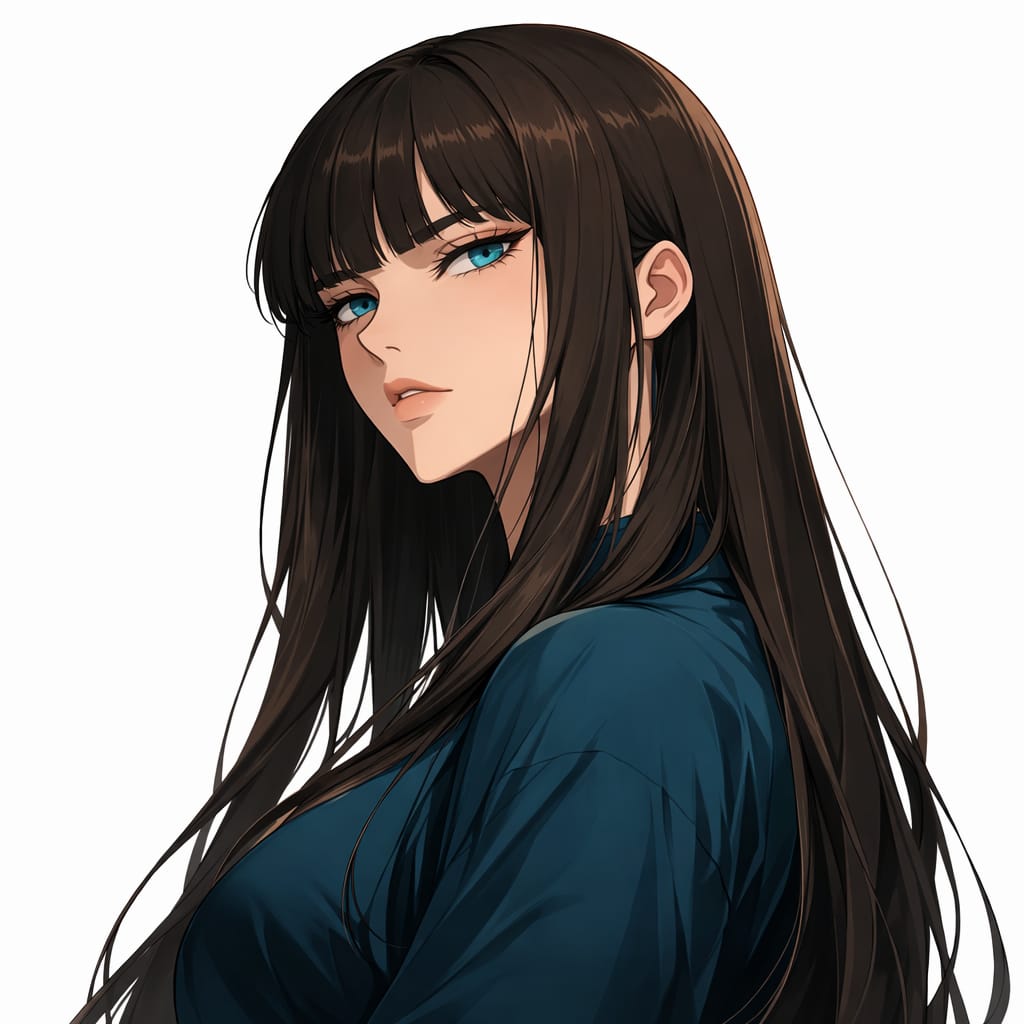

Creative
Minimal Studio “iPhone Candid” (pro-quality but awkward framing)
Creatordorukkurtoglu@gmail.com
FormatSTRUCTURED
Words213
Characters1975
#ai#structured
prompt.txt
{ "category": "STUDIO_IPHONE_CANDID_AWKWARD_FRAMING", "subject": { "demographics": "Adult woman, 21-27, Turkish-looking, youthful vibe but adult.", "hair": { "color": "Dark brown", "style": "Natural loose waves", "texture": "Strands visible, slight flyaways" }, "face": { "eyes": "Bright, direct", "skin_details": "High fidelity pores, no smoothing", "makeup": "Clean natural" }, "clothing": { "outfit": "Simple black top (no logos)" }, "accessories": { "jewelry": ["Silver hoops"] } }, "pose": { "type": "Close-up/half-body candid", "orientation": "Slightly too-close crop, imperfect framing", "hands": "One hand briefly in frame near hairline (fingers correct)", "gaze": "Direct eye contact", "expression": "Playful micro-smile" }, "setting": { "environment": "Plain studio wall", "background_elements": [ "Subtle wall texture", "No props" ], "depth": "Face sharp, background soft" }, "camera": { "shot_type": "Phone-candid look in a clean space", "angle": "Slightly above eye-level", "focal_length_equivalent": "26mm phone feel", "framing": "4:5 with awkward crop (slightly cutting hair/top space)", "focus": "Eyes sharp" }, "lighting": { "source": "Soft diffused key light", "direction": "Front/side gentle", "quality": "Natural, not glossy" }, "mood_and_expression": { "tone": "Candid, playful, everyday", "atmosphere": "Looks unplanned but still flattering" }, "style_and_realism": { "style": "Photoreal UGC", "imperfections": "Tiny noise, imperfect composition" }, "technical_details": { "aspect_ratio": "4:5", "noise": "Mild" }, "constraints": { "adult_only": true, "no_text": true, "no_logos": true, "no_watermarks": true }, "negative_prompt": [ "over-retouch", "beauty filter", "plastic skin", "cgi", "extra fingers", "warped hands", "readable text", "logos", "watermark" ]}Pro Tips
- Click the arrow next to the Copy button to directly launch and auto-fill ChatGPT or Claude.
- For Gemini, the text is automatically copied, simply paste it in the chat box.
- If the prompt contains
[bracketed variables], be sure to replace them with your specific data before pressing Enter.