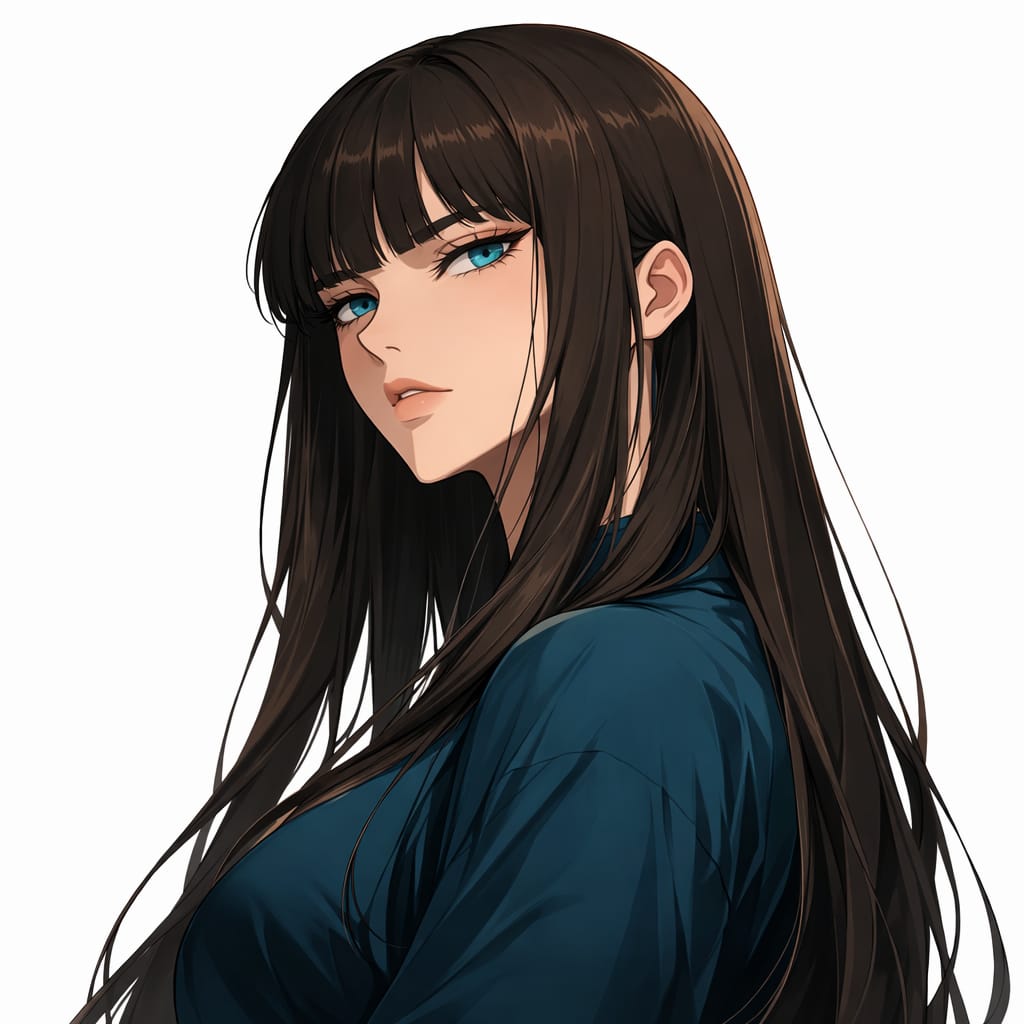

General
Manhattan Mirage
Creatorersinkoc
FormatSTRUCTURED
Words246
Characters2136
#ai#structured
prompt.txt
{ "title": "Manhattan Mirage", "description": "A high-octane, cinematic moment capturing a woman's confident stride through a steam-filled New York intersection during golden hour.", "prompt": "You will perform an image edit using the provided photo. Create an Ultra-Photorealistic image of the female subject. The style is highly detailed, resembling a frame shot on Arri Alexa with a cinematic 1:1 aspect ratio. Apply heavy depth of field to blur the busy background while keeping the subject sharp. Use cinematic lighting with strong backlight. The subject is wearing a red mini skirt and is walking on the street.", "details": { "year": "1999", "genre": "Cinematic Photorealism", "location": "A gritty, bustling New York City intersection at sunset, with steam rising from manholes and blurred yellow taxis in the background.", "lighting": [ "Golden hour backlight", "Lens flares", "High contrast volumetric lighting" ], "camera_angle": "Low-angle tracking shot, centered composition.", "emotion": [ "Confident", "Empowered", "Aloof" ], "color_palette": [ "Crimson red", "Asphalt grey", "Golden yellow", "Deep black" ], "atmosphere": [ "Urban", "Dynamic", "Cinematic", "Energetic" ], "environmental_elements": "Steam plumes rising from the ground, motion-blurred traffic, flying pigeons, wet pavement reflecting the sunset.", "subject1": { "costume": "red mini skirt", "subject_expression": "A fierce, confident gaze with slightly parted lips, perhaps wearing vintage sunglasses.", "subject_action": "walking on the street" }, "negative_prompt": { "exclude_visuals": [ "empty streets", "studio background", "overexposed sky", "static pose" ], "exclude_styles": [ "cartoon", "3D render", "illustration", "anime", "sketch" ], "exclude_colors": [ "neon green", "pastel pink" ], "exclude_objects": [ "smartphones", "modern cars", "futuristic gadgets" ] } }}Pro Tips
- Click the arrow next to the Copy button to directly launch and auto-fill ChatGPT or Claude.
- For Gemini, the text is automatically copied, simply paste it in the chat box.
- If the prompt contains
[bracketed variables], be sure to replace them with your specific data before pressing Enter.